Find the official ordering page and what to have ready
Start at the restaurant’s official ordering page to place orders for pickup or delivery. The site is the authoritative source for the live menu, availability, and the contact details you may need before or after ordering. Before you begin, have these items ready so checkout goes smoothly: a delivery address (if ordering delivery), an email or phone you can use for confirmation, and any dietary notes you need staff to see in the order instructions.
Using the official ordering page avoids third‑party apps and keeps your order and any special instructions within the restaurant’s own system. If you need to confirm anything outside the menu—availability, ingredient questions, or an unusual pickup request—look for the contact details on that same official page before placing the order.
Menu highlights to choose fast
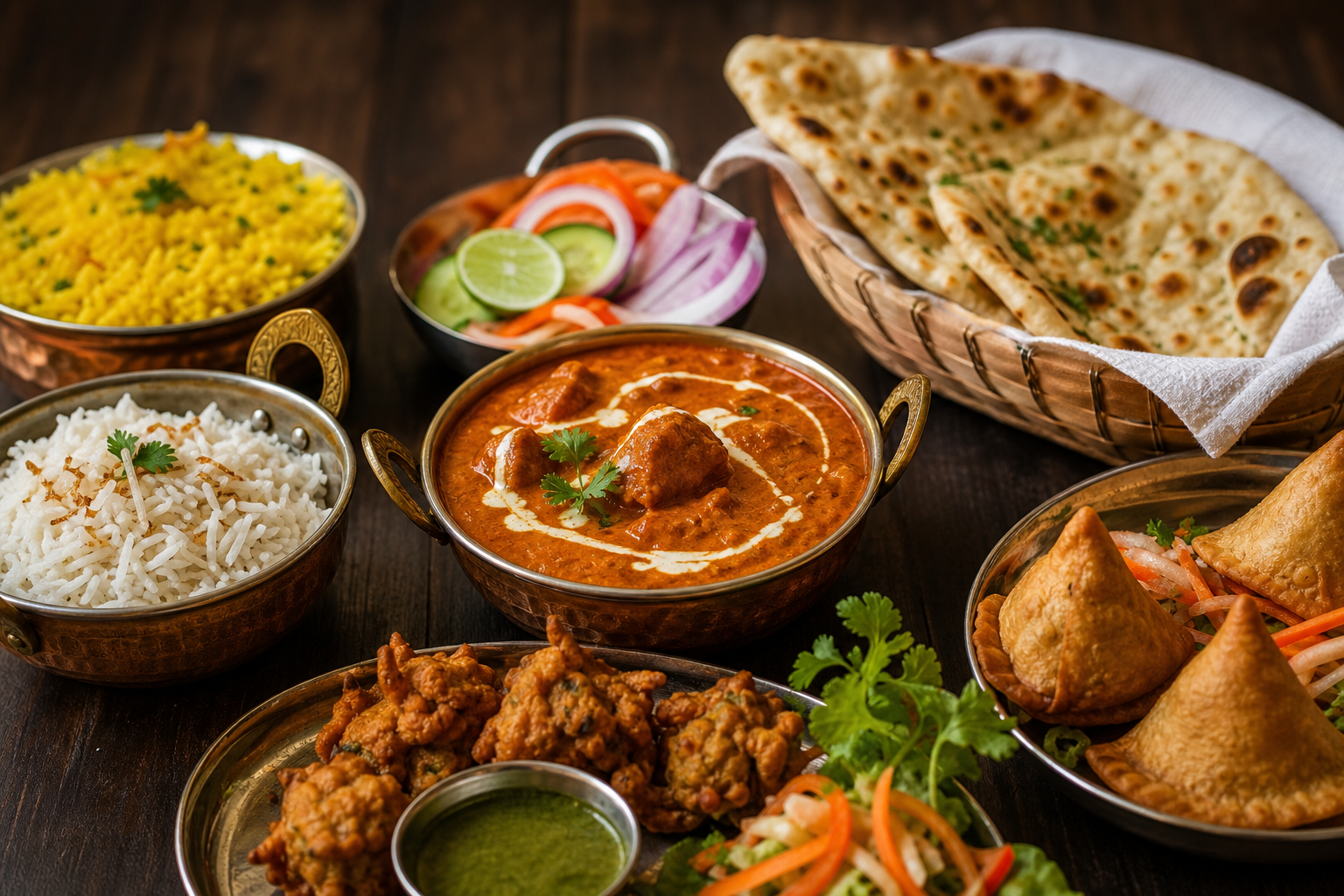
If you want to decide quickly, start with the best sellers and build a compact meal around one main, one bread, and one appetizer or side. On the site the menu calls out several popular items you can use as a quick order checklist:
- Butter Chicken & Rice — listed as a best seller and a straightforward main to pair with bread or rice.
- Basil Garlic Naan and Butter Naan — both named as popular breads; add one to soak up sauces or share across plates.
- Vegetable Samosa — an easy appetizer or side to round out a single-person meal or two-person share.
- Saffron Rice — a flavored rice option the site highlights that pairs well with saucy mains.
- Other categories on the live menu include Chicken, Paneer, Vegetable Curries, Lamb, Beef, Biryani, Lentils, Seafood, Indo‑Chinese, appetizers, breads, rice dishes, desserts, chef’s specials, wraps and burgers, breakfast specials, hot and cold drinks, and a kids menu — scan the headings to jump to the right section.
Quick pairing suggestions: a main (Butter Chicken or a biryani) plus a bread (Basil Garlic Naan) and a small appetizer (Vegetable Samosa) makes a simple single-plate or takeout combo. If you’re ordering for kids or someone who prefers milder flavors, use the Kids Menu or a vegetable/paneer curry and add a plain bread or rice.
Step-by-step: place your order on the restaurant’s site
The restaurant’s own ordering platform follows a predictable flow that helps you complete an order with minimal clicks. Use this step‑by‑step checklist to move through the site without missing a required field:
- Open the official ordering page and let the menu load. Look for clear category headings (for example, Chicken, Paneer, Biryani, Breads, Appetizers) so you can jump to the type of dish you want.
- Tap or click a menu item to view its options. Many items allow selection of portion size, spice level, and add‑ons; when available, use on‑screen options to note special instructions (for instance, “mild” or “no onion”).
- Add items to your cart. The site will keep a running total and list your selected items; review quantities and any special instructions in the cart before moving to checkout.
- Choose pickup or delivery during the checkout flow. If pickup is selected, the ordering page typically shows an estimated ready time before final confirmation. For delivery, you will enter the delivery address and any drop‑off notes that help the driver find your location.
- Provide contact details and choose payment method. The platform will prompt for an email or phone number to send the confirmation and for payment details or a pay‑on‑pickup option if that is offered on the site.
- Review the full order summary and special instructions, then submit the order. After placing the order, look for an on‑screen confirmation number and a confirmation email or SMS; keep that handy for pickup or to share with the driver if needed.
If anything looks unclear at any step—item availability, dietary questions, or pickup arrangements—return to the official ordering page to find the listed contact method and confirm before you finalize payment.
Pickup versus delivery: choose what fits your schedule
Use this practical checklist to choose between pickup and delivery based on convenience, cost, and timing:
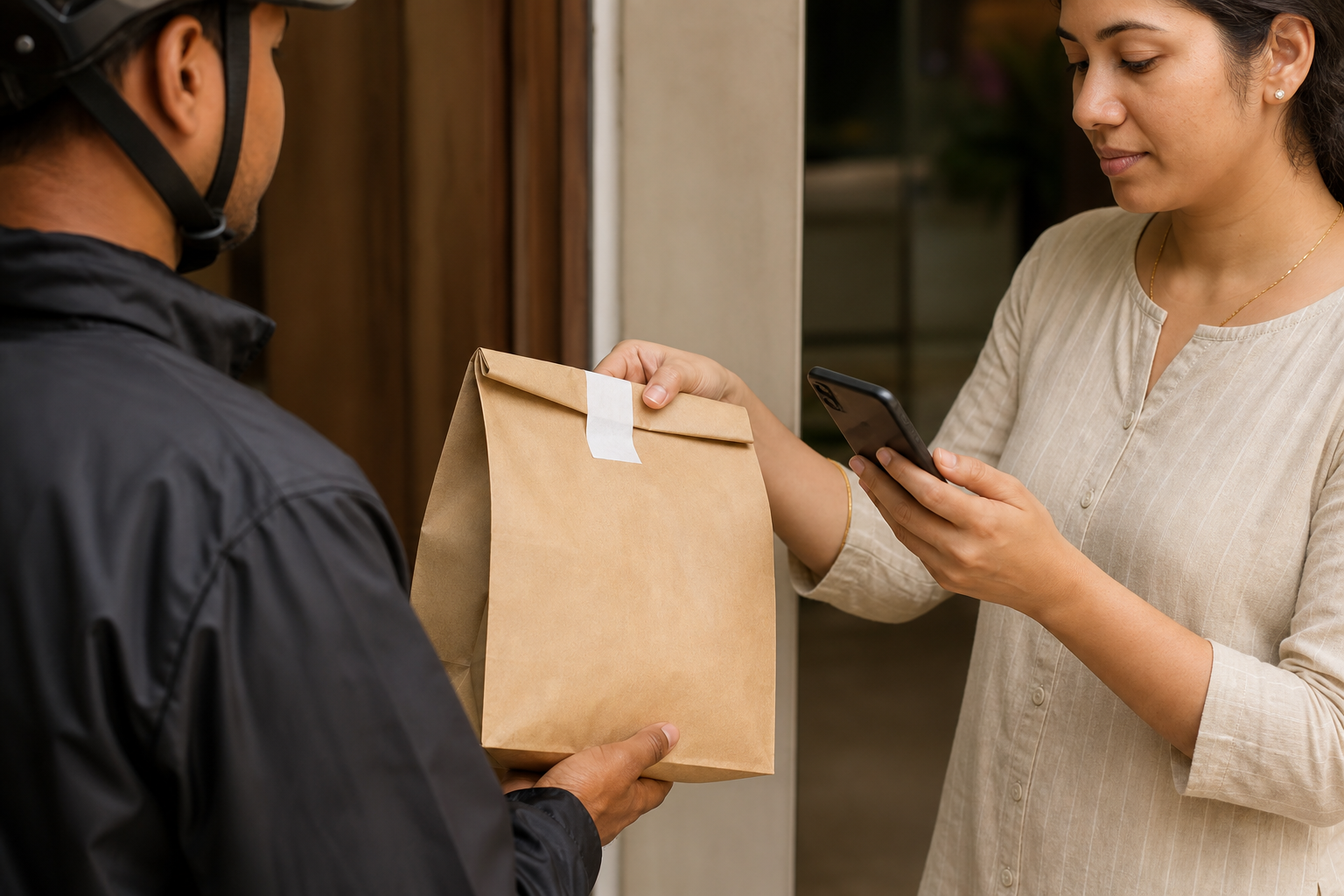
- Choose pickup when you want control of timing and are nearby or passing through. The site highlights a quick pickup option of about 15 minutes, which makes pickup a strong choice for short lunch windows or tight schedules.
- Choose delivery when you need food brought to your home or office and are willing to allow extra transit time and any delivery fee the platform lists.
- If you’re ordering during a busy mealtime, expect slightly longer preparation or transit times; plan extra buffer when ordering for a fixed-event or meeting.
Situational examples:
- Lunch break: If you have a short lunch break and the official ordering page shows the quick pickup option, select pickup and time your arrival to match the ready window.
- Working from home: Delivery saves travel time but add buffer for driver arrival and traffic; use the delivery notes field to give clear entry instructions if your building has restricted access.
- Group orders: For several people, pickup often reduces per‑order delivery fees and gives you direct control over timing; order a little earlier than you need the meals and bring insulated carriers if the group will not eat immediately.
Dietary and ingredient basics to help pick vegetarian, legume, and allergy‑friendly options
Indian cooking includes enormous regional variety, and many menus offer distinct vegetarian and legume-based dishes. For background, Britannica explains that India does not have a single cuisine—regional climates, cultures, and staple crops produced a wide range of dishes—and that pulses (lentils, peas, chickpeas) are a major component of the Indian diet, often served as dal alongside rice or breads (Indian cuisine - Scholars | Britannica Kids | Encyclopedia).
Use the culinary background to interpret the menu categories: items listed under Lentils or Dal are typically legume-based and vegetarian; Paneer entries commonly use a fresh cheese as the protein; Vegetable Curries are generally vegetable-forward; Biryani entries may be meat or vegetarian, so check labels before ordering. For a short cultural perspective on how Indian cooking reached broader audiences through cookbooks and media, see an overview of Madhur Jaffrey’s role in popularizing Indian recipes (Madhur Jaffrey | Recipes, Books, Biography, & Facts | Britannica).
Practical ways to review menu details:
- Use the live menu categories to narrow the list before opening individual items.
- Review each item description, available options, quantity, and order notes before adding it to the cart.
- When an ingredient or preparation detail is not listed, use the contact method on the official ordering page to ask about that item before ordering.
Frequently asked questions
How do pickup and delivery checkout flows differ on the official ordering page?
Pickup asks you to choose a collection option and review the order confirmation before travelling to the restaurant. Delivery adds an address and any available drop-off fields. Read the current choices shown at checkout, confirm the contact details, and review the final order summary before submitting it.
What should I review on a menu item before adding it to the cart?
Check the item name, description, available options, quantity, and any order-note field shown on the official page. If a detail you need is not listed, use the page’s contact method to ask about that specific item. Then review the selected options again in the cart before moving to checkout.
How can I confirm Divine The Indian Cuisine's current menu and prices before checkout?
Open the official ordering page; that is the primary source for current dishes, availability, and pricing. If an item appears sold out or a combo is unclear, contact the restaurant using the details on the same page to verify availability before you complete payment.
How should I prepare for pickup from Divine The Indian Cuisine so collecting my order is quick and simple?
After placing a pickup order on the official page, save the on‑screen confirmation and any confirmation email or SMS. Arrive a few minutes after the stated ready time, bring your phone and the confirmation number, and be ready to show proof of the order. If you need curbside pickup, use the contact method on the ordering page to advise staff when you arrive and provide your vehicle details so they can bring the order out.
Craving Authentic Indian Food in Edmonton?
Order Edmonton's favourite Butter Chicken, Lamb Biryani, and award-winning vegan dishes from DIVINE – The Indian Cuisine on Jasper Avenue.
Order Online Now